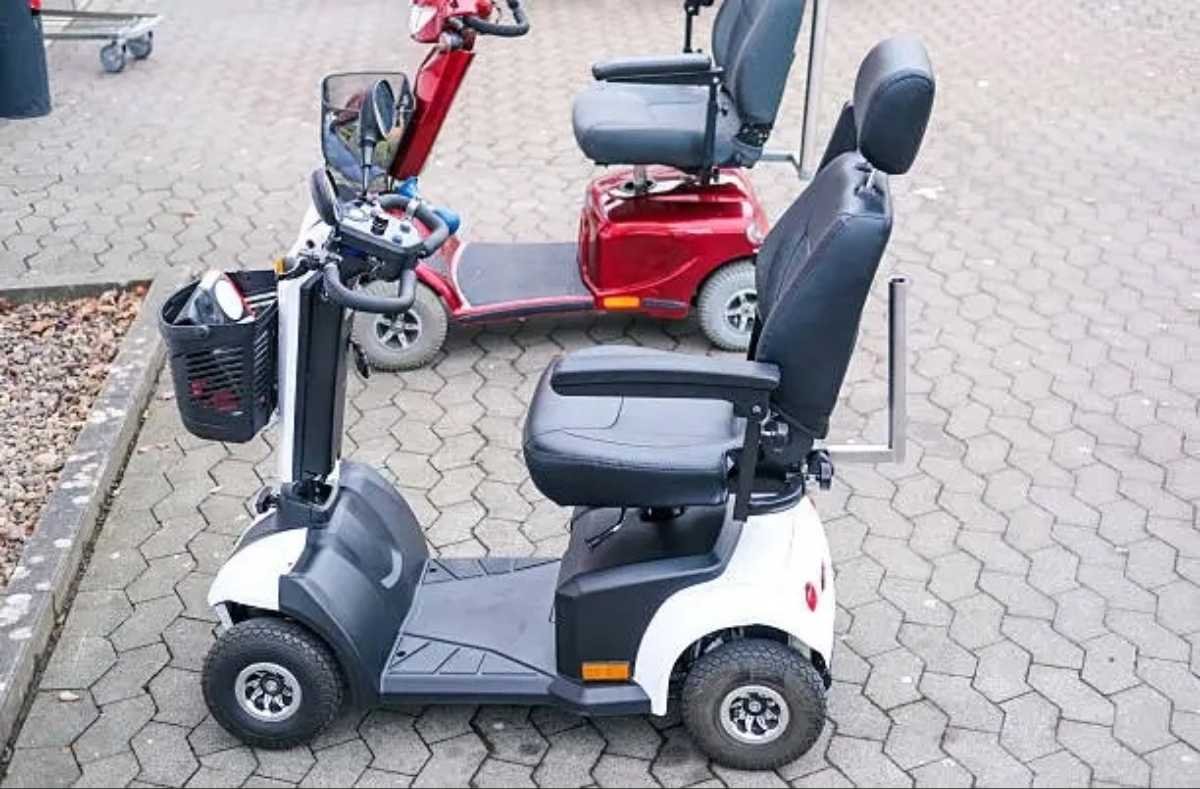
If your scooter suddenly won’t start, loses power on hills, or makes a strange grinding noise, you’re not alone. Mobility scooter troubleshooting is something almost every rider has to deal with sooner or later, whether the scooter is brand new or a few years old. The good news is that most issues are simple to diagnose once you know what to look for, and many repairs can be done at home without calling a technician. Learning even a basic level of mobility scooter troubleshooting means fewer surprise breakdowns and more confidence heading out the door.
This guide walks through the most common problems riders run into, explains what usually causes them, and shows you exactly how to fix them. We’ll also cover when a repair makes sense versus when it’s time to consider a replacement scooter, with real model recommendations to help you decide.
Why Mobility Scooter Troubleshooting Matters
Skipping basic mobility scooter troubleshooting can turn a small issue into an expensive one. A battery that’s ignored for months can die completely. A loose connector left unchecked can damage the controller. Learning a simple mobility scooter troubleshooting routine, even just five minutes a week, can add years to your scooter’s life and save you hundreds of dollars in repair costs.
Below is a breakdown of the most frequent problems, organized by system, followed by a step-by-step mobility scooter troubleshooting checklist you can run through anytime something feels off. Bookmark this page so you always have a quick mobility scooter troubleshooting reference on hand.
1. Scooter Won’t Turn On
This is the number one reason people search for mobility scooter troubleshooting help. Start with the basics:
- Check that the key is fully turned and the power switch is on.
- Make sure the battery is charged; a fully drained battery is the most common cause.
- Inspect the battery connectors for corrosion or looseness.
- Check the main fuse, usually located near the battery compartment.
If the scooter still won’t power on after these checks, the battery pack itself may need replacing.
2. Battery Won’t Hold a Charge
Battery degradation is a normal part of mobility scooter troubleshooting once a scooter passes the two to three year mark. Signs include a range that keeps shrinking, the scooter cutting out on inclines, or the charge light never turning fully green.
- Charge the battery fully overnight at least once a week, even if you haven’t used the scooter.
- Avoid letting the battery drain to zero repeatedly.
- Clean the battery terminals with a dry cloth to remove buildup.
- If the scooter is more than three years old and the range has dropped by half or more, replacement batteries are the fix, not troubleshooting.
3. Scooter Moves Slower Than Usual or Loses Power on Hills
- Check tire pressure first; low pressure on pneumatic tires is a common and easy-to-miss cause.
- Inspect the battery charge level.
- Look for debris wrapped around the wheels or axle.
- Confirm the speed dial hasn’t been accidentally turned down.
4. Grinding, Clicking, or Squeaking Noises
Unusual noises are one of the more unsettling parts of mobility scooter troubleshooting because it’s not always obvious where the sound is coming from.
- Grinding near the wheels often points to worn bearings.
- Clicking from the motor housing can indicate a loose drive belt or gear issue.
- Squeaking brakes usually mean the brake pads need adjustment or replacement.
If a noise gets louder over a few days, stop riding and have it inspected before continuing.
5. Scooter Won’t Move Even Though It Powers On
- Check that the freewheel lever (used to manually push the scooter) is in the “drive” position, not “neutral.”
- Inspect the motor connector for a loose or disconnected plug.
- Look for a tripped circuit breaker, common on models from Pride Mobility and Golden Technologies.
6. Uneven or Jerky Acceleration
This is a classic mobility scooter troubleshooting scenario tied to the controller or throttle, and it’s worth checking early since ignoring it can wear down the drivetrain faster.
- Clean the throttle contact points, which can accumulate dust over time.
- Check for loose wiring between the throttle and the controller box.
- If the scooter jerks only at certain speeds, the controller itself may need recalibration or replacement.
7. Brakes Feel Weak or Don’t Engage Properly
Brake problems should never be ignored. As part of routine mobility scooter troubleshooting, inspect:
- Brake pad thickness and wear.
- Cable tension, which loosens naturally over time.
- The electromagnetic brake system on electric models, which can fail if the motor connector is damaged.
8. Charging Port Issues
- Inspect the port for bent pins or debris.
- Wiggle the charger cable gently while plugged in; if the charge light flickers, the port likely needs replacing.
- Always use the charger that came with the scooter or a manufacturer-approved replacement.
9. Tires Losing Air or Going Flat
Pneumatic tire problems are a frequent mobility scooter troubleshooting topic for outdoor riders.
- Check for punctures or embedded debris.
- Consider switching to solid or foam-filled tires if flats keep happening.
- Keep tires inflated to the manufacturer’s recommended PSI, usually printed on the tire sidewall.
10. Scooter Beeps or Shows an Error Code
Many newer scooters, including models from EV Rider and Drive Medical, have built-in diagnostic systems.
- Check the owner’s manual for the specific error code meaning.
- Common codes relate to low battery, overcurrent, or a disconnected motor.
- If the code persists after a full charge and connector check, contact the manufacturer or a certified repair technician.
11. Seat or Armrest Feels Loose
- Tighten the mounting bolts underneath the seat.
- Check the swivel mechanism if the seat rotates unexpectedly while riding.
12. Scooter Tips or Feels Unstable
- Confirm tire pressure is even on both sides.
- Check that the weight capacity hasn’t been exceeded; this is a leading cause of stability complaints.
- Inspect the front caster wheels for wear.
13. Remote or Key Fob Not Responding
- Replace the fob battery.
- Re-sync the fob following the manufacturer’s pairing instructions.
This is a small issue in the bigger picture of mobility scooter troubleshooting, but it’s an easy one to overlook until you’re locked out of your own scooter.
14. Motor Overheating
- Avoid prolonged uphill riding at maximum load.
- Let the motor cool for 20 to 30 minutes before continuing.
- Persistent overheating often signals it’s time for professional mobility scooter troubleshooting or a motor inspection.
15. Scooter Cuts Out Randomly While Riding
- This is often linked to a loose battery connector vibrating free during movement.
- Secure all wiring harnesses and check connector clips for wear.
- Random cutouts are one of the more frustrating mobility scooter troubleshooting cases because the problem can be intermittent and hard to reproduce during a quick inspection.
A Simple Weekly Mobility Scooter Troubleshooting Checklist
- Charge the battery fully, even after short trips.
- Wipe down battery terminals and connectors.
- Check tire pressure and tread.
- Test the brakes at low speed in a safe area.
- Listen for new noises during a short test ride.
Following this routine turns mobility scooter troubleshooting into a five-minute habit rather than an emergency repair job.
When to Repair vs. When to Replace
Not every issue is worth fixing. If your scooter is under five years old and the problem is isolated (a battery, a tire, a connector), repair is almost always cheaper. If the scooter is older, the frame shows wear, or you’re facing multiple failures at once, it may be more cost-effective to upgrade. A good rule of thumb in mobility scooter troubleshooting is that once repair costs approach half the price of a new scooter, replacement usually makes more financial sense. Here’s how some popular models compare for riders considering a replacement after exhausting basic mobility scooter troubleshooting steps.
| Model | Best For | Top Speed | Range | Weight Capacity |
|---|---|---|---|---|
| Pride Mobility Go-Go Elite Traveller Plus | Portable, travel-friendly use | 4 mph | 12.5 miles | 300 lbs |
| Golden Technologies Buzzaround EX | Everyday outdoor reliability | 4 mph | 12 miles | 300 lbs |
| Drive Medical Scout Compact | Lightweight indoor/outdoor use | 4 mph | 8 miles | 250 lbs |
| EV Rider Transport AF+ | Foldable, easy storage | 4 mph | 15.5 miles | 275 lbs |
| Shoprider 6Runner 10 | Heavy-duty, longer range | 5.7 mph | 21.7 miles | 400 lbs |
If your current scooter’s battery, motor, or frame issues keep recurring despite proper mobility scooter troubleshooting, one of these models can offer better reliability and a stronger warranty going forward.
Frequently Asked Questions
How often should I do mobility scooter troubleshooting checks? A quick check every week and a more thorough inspection monthly is enough for most riders to catch problems early.
Can I do mobility scooter troubleshooting myself, or do I need a technician? Most electrical and battery issues can be checked at home as part of everyday mobility scooter troubleshooting. Motor repairs, wiring replacements, or anything involving the internal controller should go to a certified repair technician.
Why does my scooter work fine at home but struggle outdoors? Outdoor terrain adds resistance from inclines, grass, or gravel, which draws more power from the battery and motor. This is one of the most common real-world mobility scooter troubleshooting questions, and the fix is usually as simple as fully charging before outdoor trips and avoiding steep inclines when the battery is already low.
Final Thoughts
Most mobility scooter troubleshooting problems come down to four things: battery health, loose connectors, tire condition, and worn brake components. Running through the checklist above regularly will catch small issues before they become expensive repairs. And if your scooter has reached the end of its usable life despite consistent maintenance, upgrading to a more reliable model is often the better long-term investment. Whether you’re fixing your current scooter or comparing new ones, a little mobility scooter troubleshooting knowledge goes a long way toward keeping you mobile, independent, and confident on every ride.